

The Challenge
Every household in Landsmeer needs to manage waste pickup according to a municipal schedule. While the municipality provides a paper calendar annually, the official online portal is difficult to use. It is hard to locate, requires 4 clicks to view pickup dates, uses a difficult URL, and offers no notification system. I developed this project to provide a more accessible tool for myself and for the residents of Gemeente Landsmeer but most importantly it's free to use.
The Approach
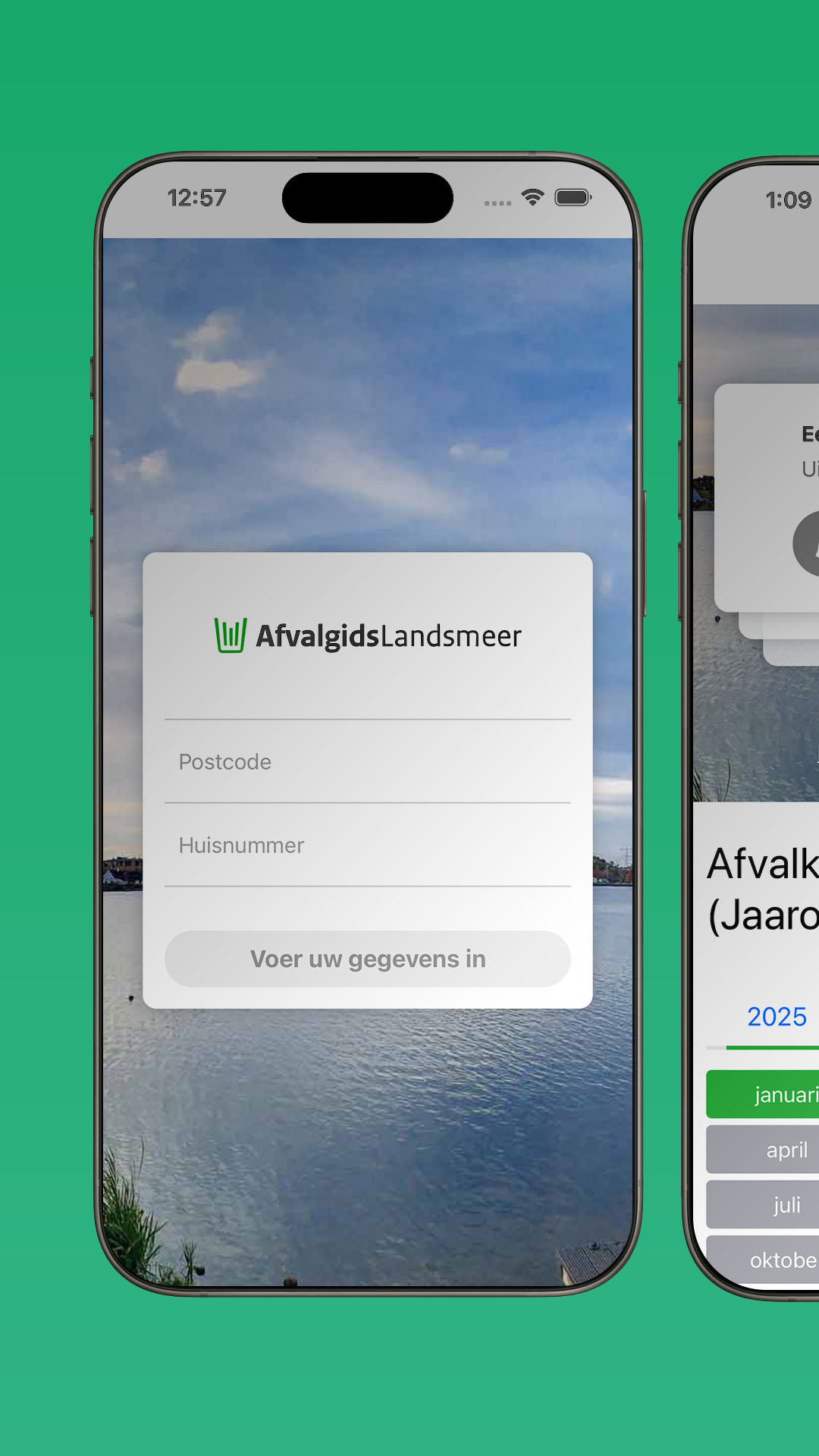
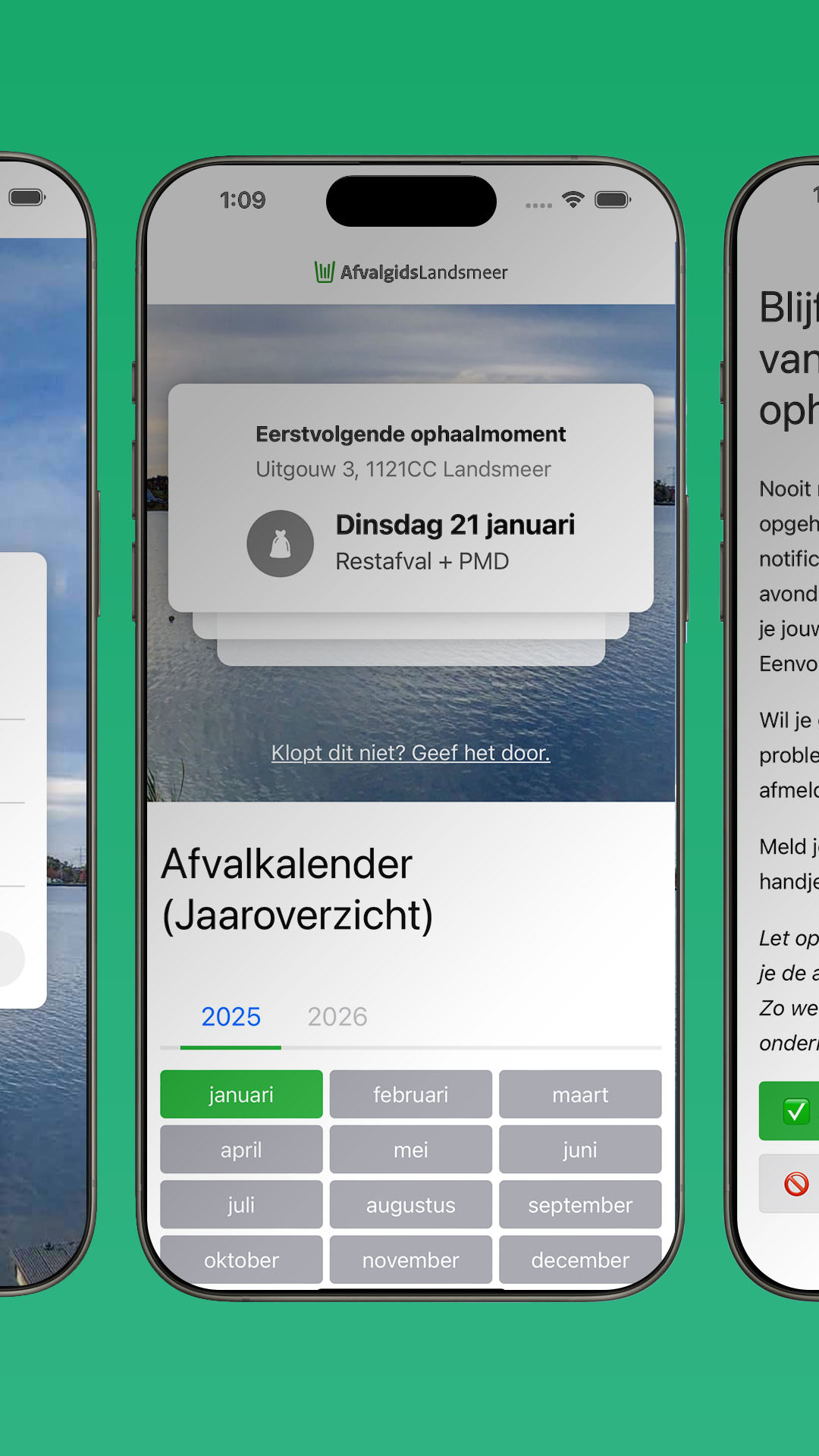
The goal was to create a focused web application where users could enter their zip code and house number to see their upcoming pickup dates immediately. As a user I want him to be able to simply visit the url https://afvalgids-landsmeer.nl/1121CC/7 and see his trash pickup calendar on his desktop or or use the PWA app. I wanted to build something simple. I didn't want to manage a database or a complex backend, so I used a lightweight stack: Node.js, Express, and plain JSON files for the address and schedule data. The goal was to keep the code simple enough that I could open it up and fix a bug in a few minutes if needed.
Implementation
1. Data Sourcing and Geocoding
To function, the application required a dataset of every address in Landsmeer mapped to specific pickup zones.
- Address Data Collection: I scraped this data from a public online source using Puppeteer. I intend to cover the technical implementation of this scraping process in a future blog post.
- Trash Data Collection: I scraped this data from the municipality’s public online sources manually from the pdf files. I converted this manually to JSON data for 5 different regions!
- Mapping: Each address required latitude and longitude coordinates to match it to a pickup zone. I defined the pickup zone boundaries as polygons in
regionCoordinates.jsonby first drawing them in Google Maps (see my Custom Map). - Logic: When a user enters an address, the server performs a point-in-polygon test to determine the user's zone and returns the corresponding schedule.
2. The Notification System
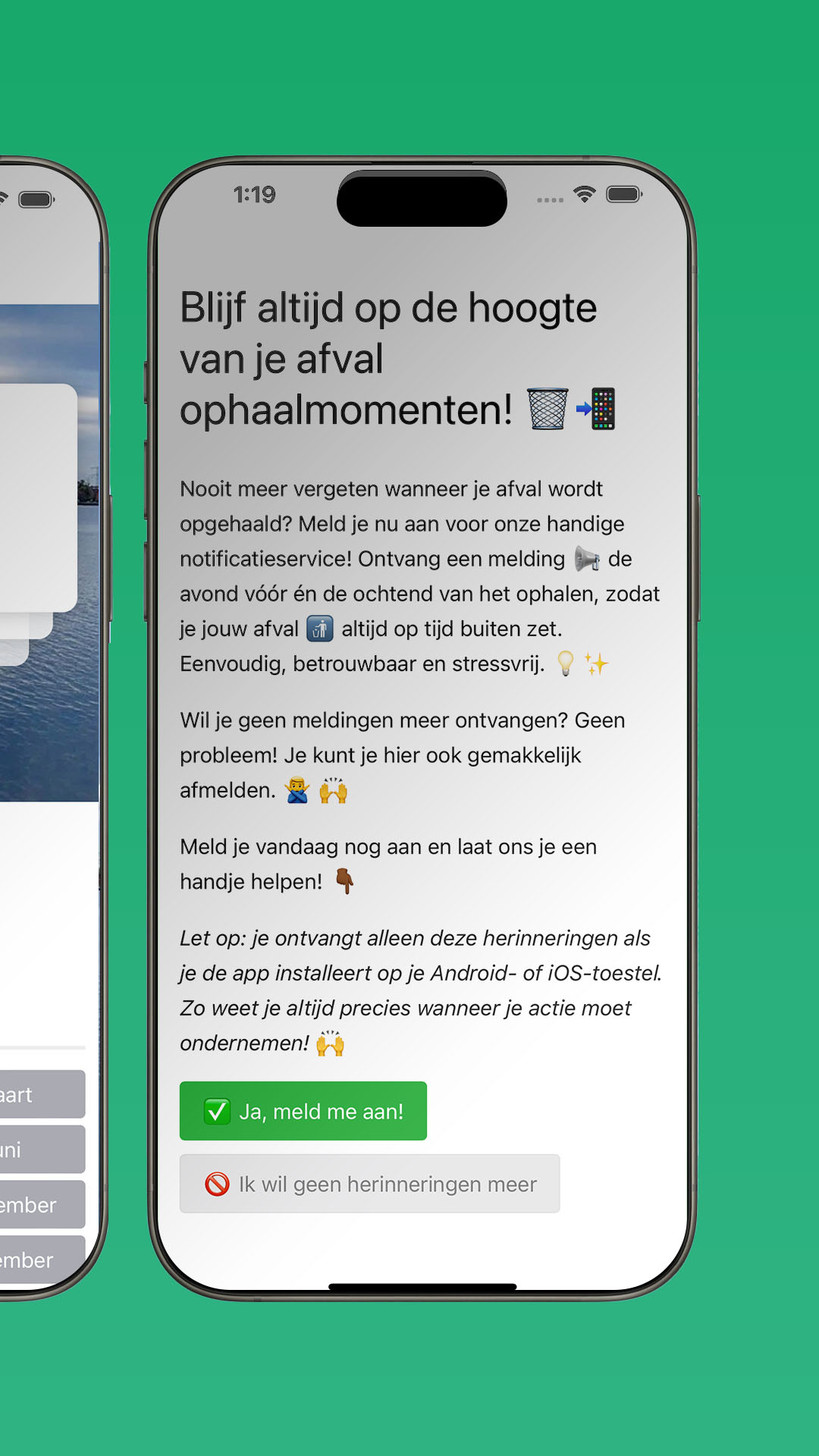
The project’s primary feature is the reminder system. I implemented Web Push via the browser's Notifications API, signed with VAPID keys, to avoid requiring user accounts.
- Workflow: Users opt in through the site. The server stores the subscription object in
subscriptions.json. - Scheduling: Two daily cron jobs (using
node-schedule) trigger reminders at 19:00 (the day before) and 07:00 (on pickup day). - Platform Considerations: iOS does not support web push in standard Safari. Users must add the site to their home screen (installing the PWA) to enable push notifications. I implemented tracking for PWA installs to monitor and prompt iOS users to complete this step.
Maintenance and Constraints
- Infrastructure: The project uses JSON files for addresses, schedules, and subscriptions rather than a database. This allows for updates via simple commits.
- Logic Consistency: I use a single
isInRegionfunction for both the cron jobs and the web interface to ensure the address-to-region logic remains synchronized. - Administration: An admin panel behind session authentication allows for manual, one-off push notifications, useful for unexpected schedule changes.
The Impact
After launching, I shared the tool in local Facebook and WhatsApp groups. The project has received regular use from residents. By focusing on a single, specific utility and avoiding unnecessary overhead, I created a tool that effectively addresses the primary frustration with the official municipal process.
Logo
Socials
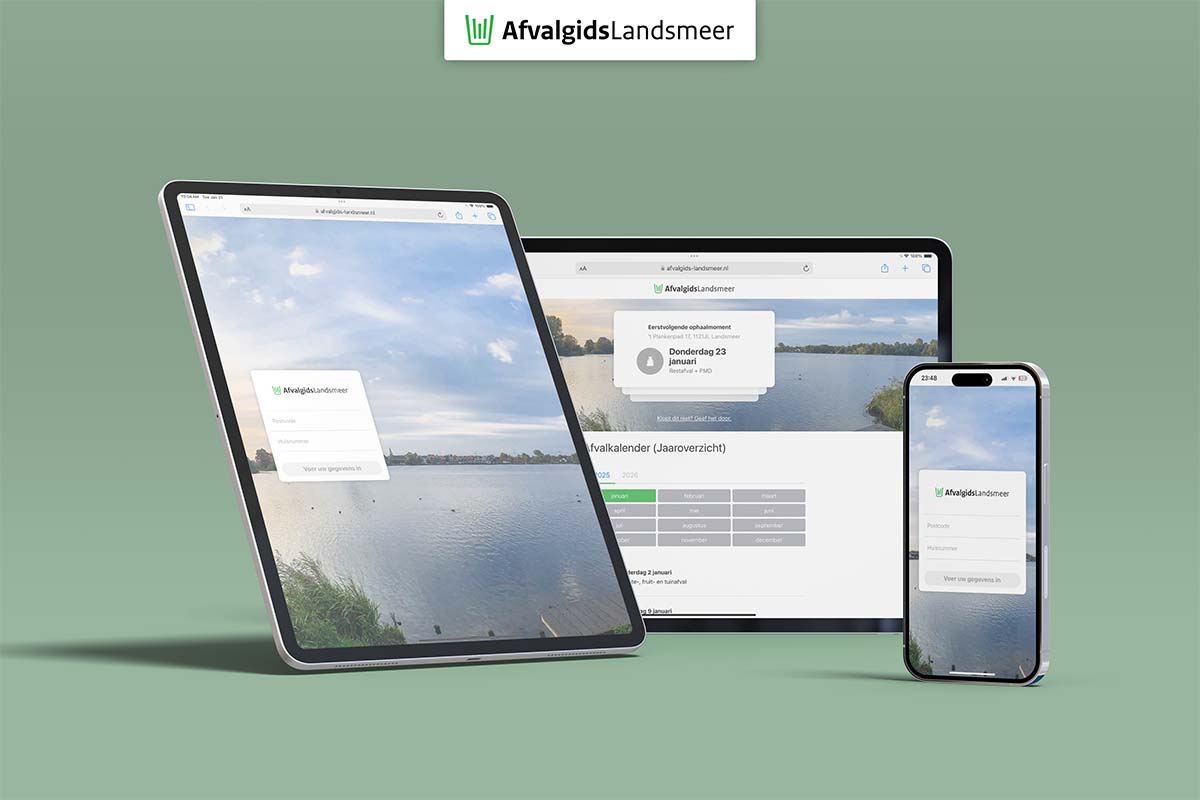
Website: afvalgids-landsmeer.nl
Instagram: instagram.com/afvalgids.landsmeer
Facebook: facebook.com/afvalgidslandsmeer